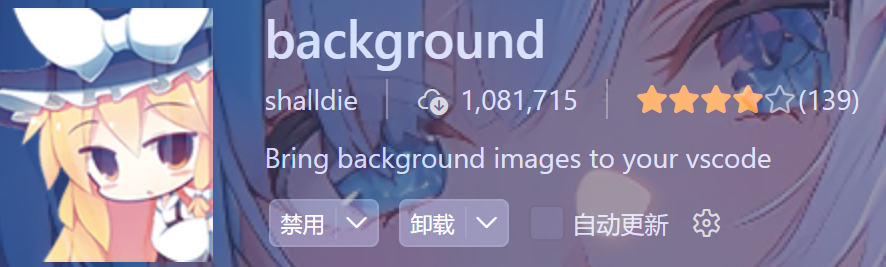
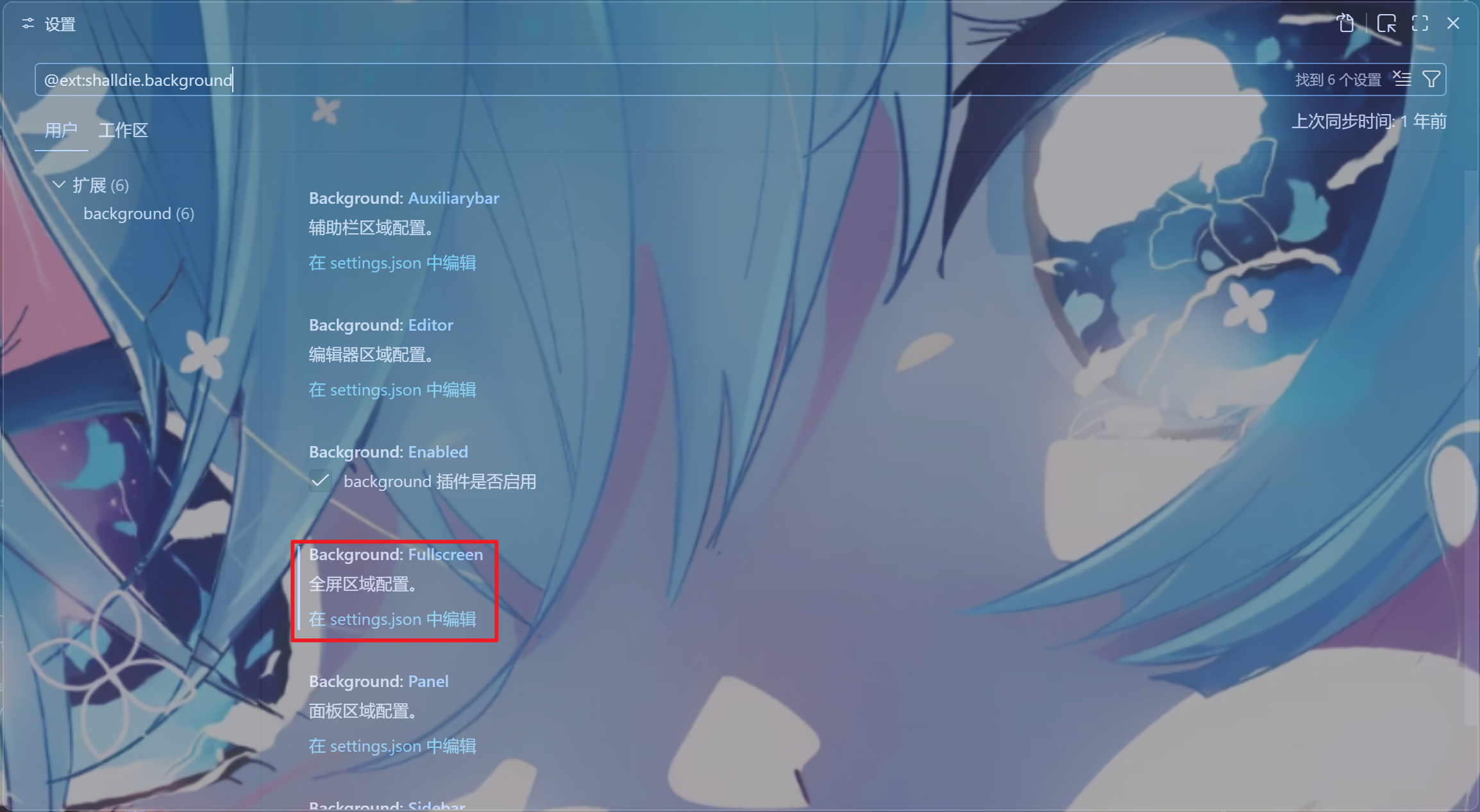
1.安装background
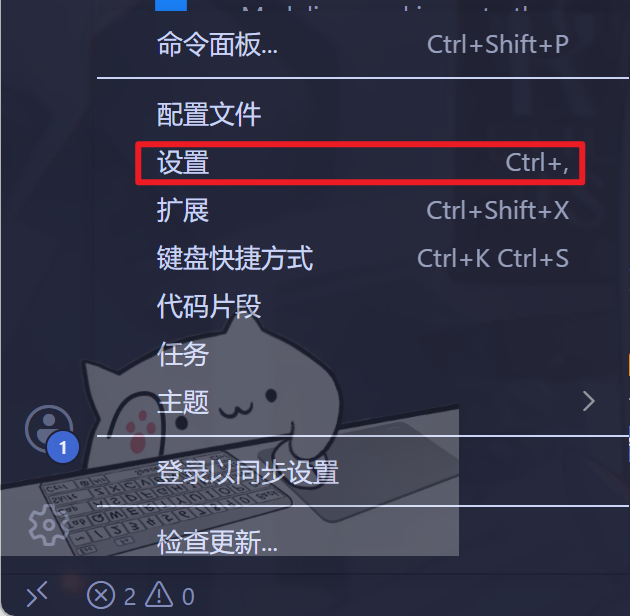
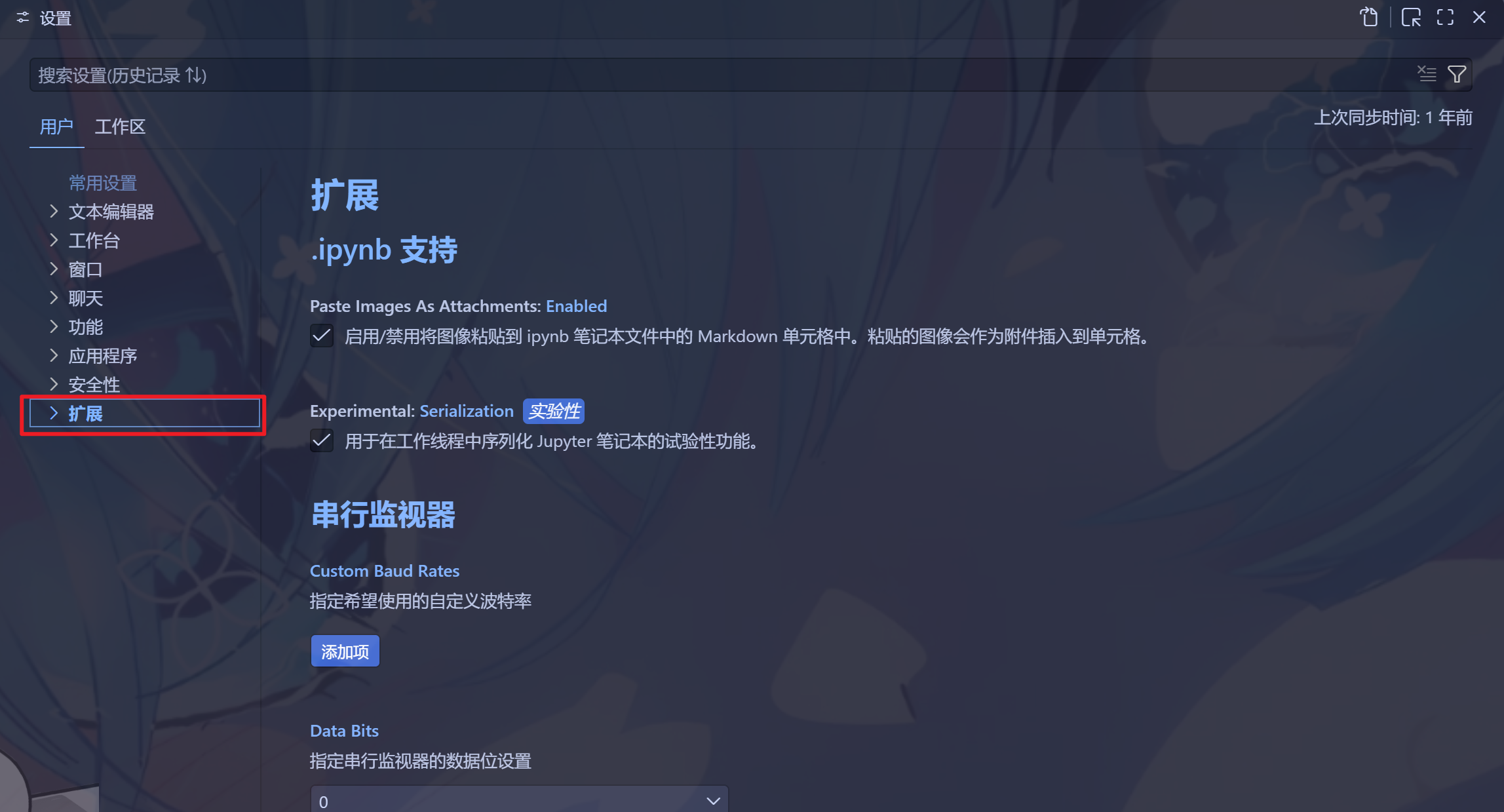
2.打开Vscode setting复制相关配置代码
Fullscreen——全屏,如果应用这个就不能再写其他的设置了,不然会重叠,这个全屏包括了能够看到的全部界面。整个vs code都会以当前的图片作为背景生效,只需要修改这个即可
      // ===== Background 扩展:编辑器背景图设置 =====
    "background.fullscreen": {

        "useFront": true,// 是否将背景图置于编辑器内容的前层(true=图片盖在文字上方)

        "opacity": 0.6, // 背景图不透明度,0.3 表示 30%,值越低越透明、越不挡视线

        // 背景图的 CSS 样式
        "style": {
            "background-position": "100% 100%",  // 图片定位在右下角
            "background-size": "auto"            // 保持图片原始尺寸,不拉伸
        },

        // 背景图列表(URL 形式,可放多张)。当前仅启用 Rem.png,
        // 其余为备用图,已用 // 注释禁用
        "images": [
            // "https://tuchuang.junecc.top/picture/rem (2).jpg",
            // "https://tuchuang.junecc.top/picture/rem2.jpg",
            // "https://tuchuang.junecc.top/picture/preview.jpg",
            "https://tuchuang.junecc.top/picture/Rem.png"
        ],

        "interval": 0,   // 多图轮播间隔(毫秒),0 表示不轮播
        "random": true   // 多图时是否随机顺序(当前仅 1 张,不生效)
    },